AI division · Established 2023
Automate the 3D model. Issue the drawings.
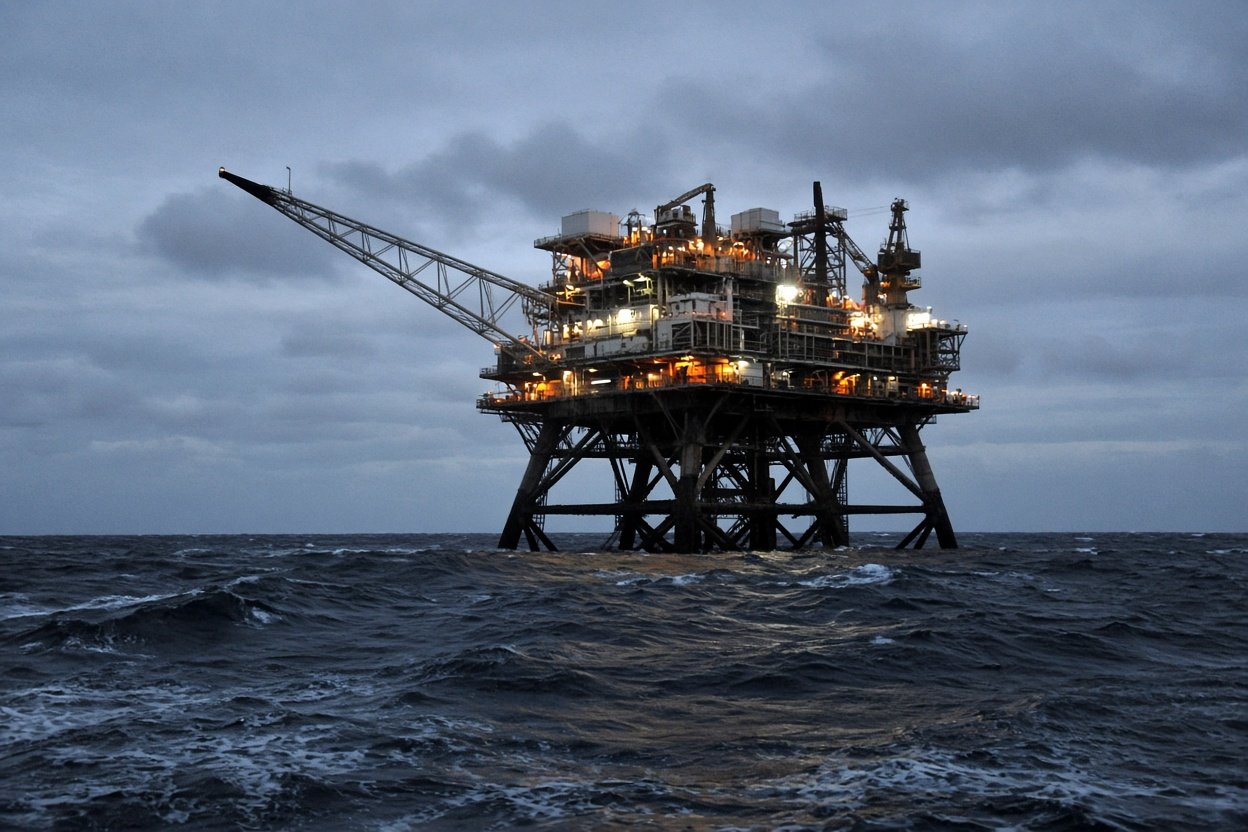
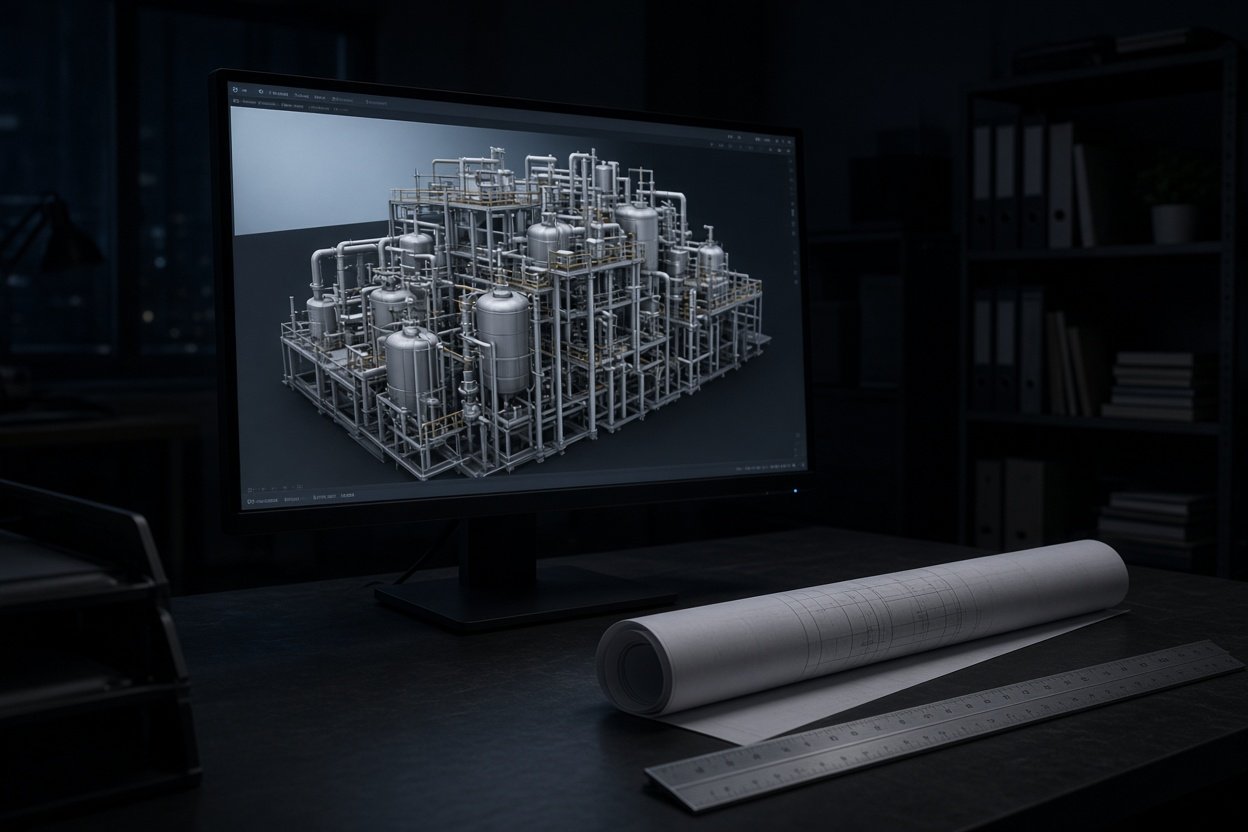
PetroAria models oil and gas plants and offshore platforms in 3D with AI, and generates the drawings from that model. A piping engineer checks every deliverable before it is issued.
Send a scopeThe job is a defined scope. A module, a deck, a modification. Not an open-ended plant.
01 — Outputs
What comes off the model
-
01
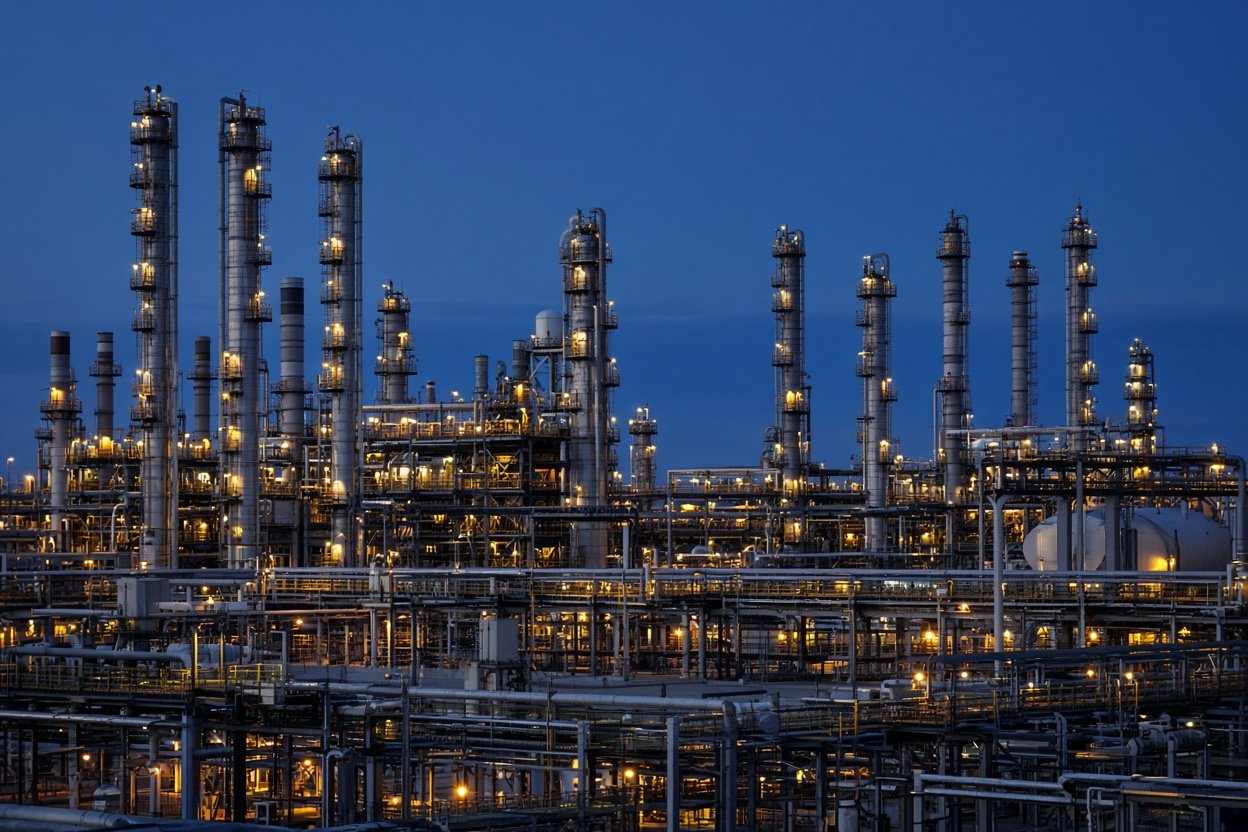
3D plant and platform model
AI routes and arranges piping inside the boundary you set. The model is reviewed before it is treated as the design.
-
02
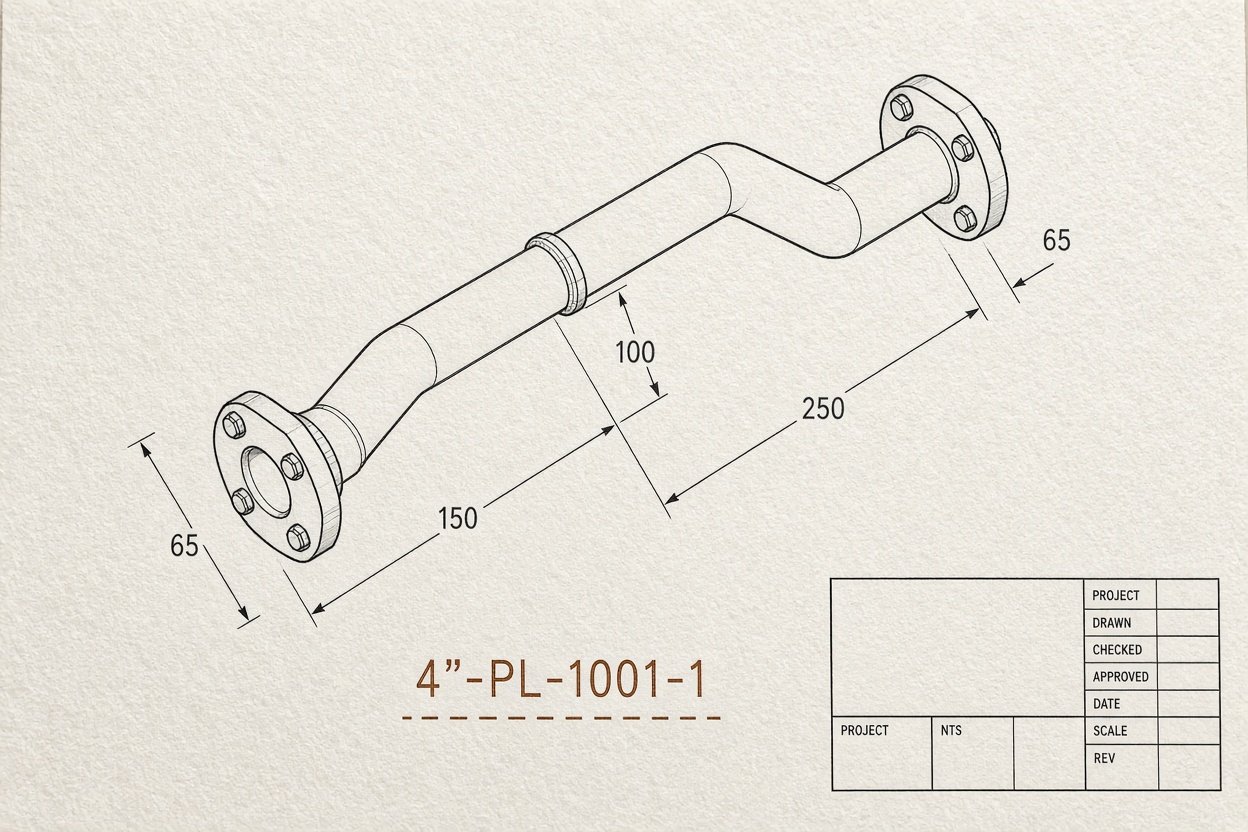
Piping isometrics
Generated from the model, then checked for tie-ins, pipe class, and whether a fabricator can build the spool.
-
03
General arrangements
Plans and elevations taken from the same model, so the drawings and the model do not drift apart.
-
04
Pipe support drawings
Placed from the model. Type, function, and load path are checked before issue.
-
05
Material take-off
Counted from the model, so procurement starts from the same source as the drawings.
-
06
Clash and constructability notes
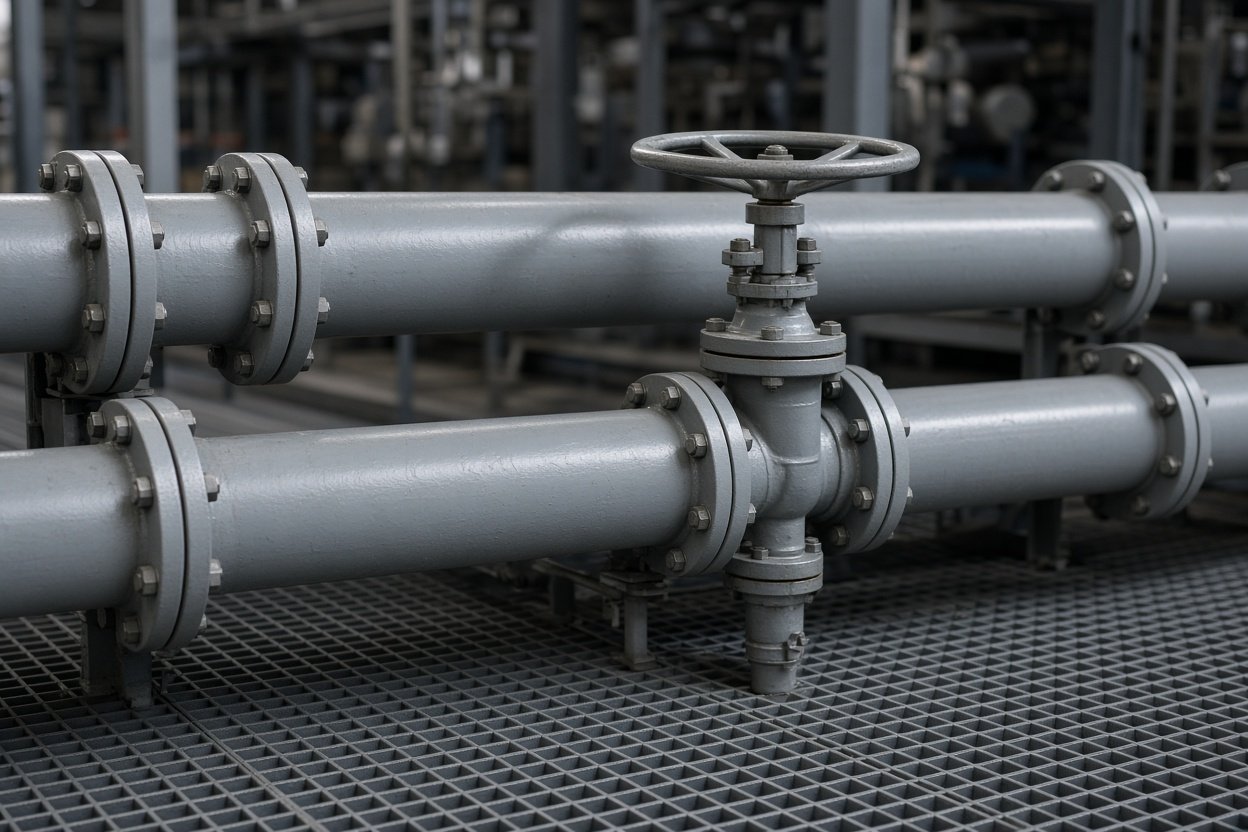
Checked against the existing plant, a scan, or the space on the deck. The notes say what clashes and what will not build.
Checked before issue
The automated run does not issue itself.
02 — Method
How a job runs
-
01
Bound the scope
Lines in, lines out, deck or plot limits, and what must not move. A module, a deck area, or a shutdown modification — not a whole field.
-
02
Send the inputs
P&IDs, a line list, the pipe class, and any scan or existing model. Hold unreleased drawings until a file exchange is agreed.
-
03
Model, then draw
AI builds the 3D model inside that boundary and drafts the drawings from it. One source, not a model and a separate redraw.
-
04
Engineer issues
A piping engineer checks the output against the scope and the project codes — typically ASME B31.3 or B31.4, API, NORSOK, and PED/PER where they apply — then issues it for your review. Issued for the tools the project already uses, including Aveva E3D, AutoCAD Plant 3D, and Navisworks.
03 — Where
Plant, platform, or a modification on either.
Onshore process plant. Offshore platform. FPSO topsides. Brownfield change or a new layout, kept to a boundary. Spec, valve, and material calls stay with the engineer. The automation does the layout and the drawings. It does not select a pipe class, and it does not sign the calculation.
Contact